The Challenge of Scraping Dynamic WordPress WooCommerce Stores
WooCommerce powers over 35% of all top e-commerce websites, providing flexible open-source infrastructure for millions of merchants. However, scraping WordPress stores presents unique challenges due to diverse themes, custom plugins, and intricate variable product architectures.
If you are migrating a store, conducting competitive market research, or backing up a client's inventory, using a dedicated woocommerce scraper ensures you capture every single variable option, tax class, and high-resolution photo without manual data entry. Unlike standardized SaaS platforms, every WordPress setup has custom quirks that trip up basic generic scraping tools.
- WooCommerce stores use custom themes that break traditional CSS-selector web scrapers.
- A dedicated woocommerce scraper queries public REST API endpoints and structured JSON-LD microdata.
- Variable products (multiple sizes, colors, and SKU combinations) are preserved with their exact prices.
- Full image galleries are extracted in uncompressed high resolution from the
/wp-content/uploads/directory.
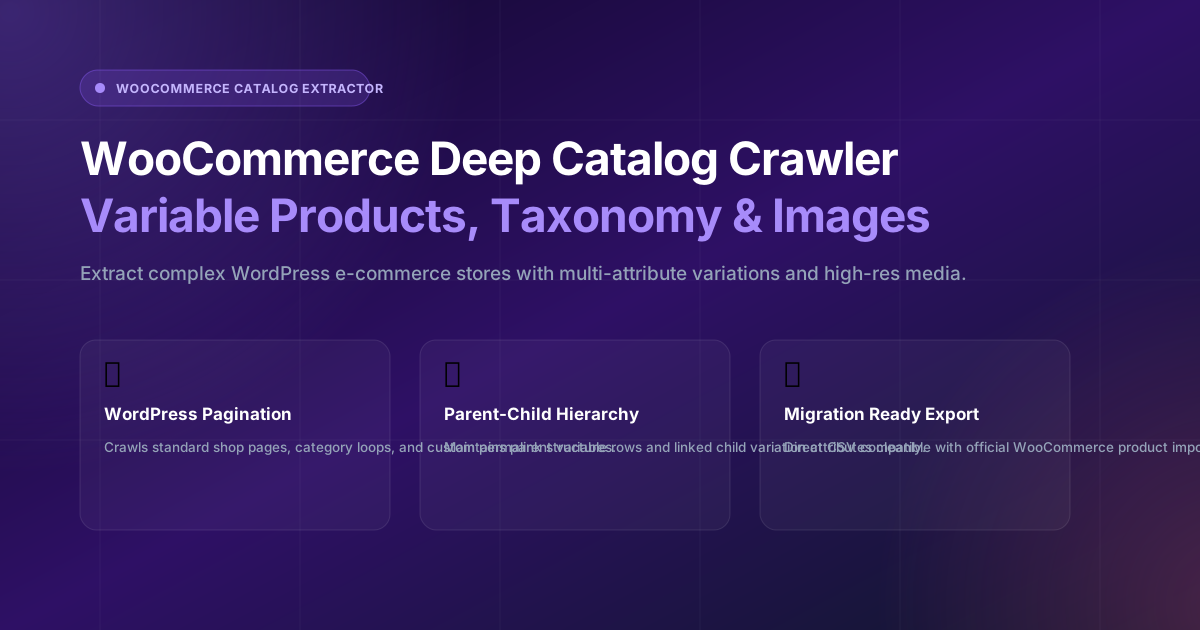
Diagram 4.1: WooCommerce catalog crawling, taxonomy extraction, and CSV normalization architecture.
With Legends WooCommerce Scraper, you can enter any WordPress shop URL and extract the complete product catalog in minutes.
Extracting WooCommerce Variable Products & Attributes
Variable products represent the most complex data structure in WooCommerce. A single variable product might have 3 colors and 4 sizes, generating 12 distinct variations, each with its own price, SKU, and stock status.
Our woocommerce scraper engine parses the underlying data-product_variations JSON attribute embedded in WooCommerce product pages. It maps every variation to its parent product, ensuring that child SKUs and swatch images remain linked upon export.
Handling Non-Standard Custom Fields & Plugin Taxonomies
WordPress sites frequently rely on plugins like Advanced Custom Fields (ACF), WooCommerce Extra Product Options, or custom brand taxonomy extensions. A basic web crawler will overlook these custom attributes, leaving you with incomplete product specifications.
Legends Importer's woocommerce scraper inspects the underlying HTML for custom data attributes, microdata tags, and WooCommerce attribute tables (woocommerce-product-attributes). Dimensions, weight, materials, and care instructions are parsed into clean key-value pairs, ensuring complete data retention during store migrations.
Managing Database Performance During High-Volume Migrations
When importing large WooCommerce catalogs with thousands of variable products into a fresh WordPress store, database indexing is vital. High-volume CSV imports can trigger memory limit crashes on standard shared hosting. We recommend importing products in batches of 250 to 500 SKUs, temporarily disabling heavy email notifications and transactional webhooks during the initial catalog upload, and executing a quick database transient cleanup afterwards to ensure blazing fast page load times for shoppers.
Comparison: Basic Web Scraper vs. Legends WooCommerce Scraper
| Feature | Basic Web Scraper | Legends WooCommerce Scraper |
|---|---|---|
| Variable Product Handling | Only captures the first variation | 100% complete variation matrix |
| Category Taxonomies | Misses nested sub-categories | Preserves hierarchical categories & tags |
| Image Quality | Captures 300px scaled thumbnails | Uncompressed master uploads |
| Export Format | Generic text | Direct WooCommerce CSV & Shopify CSV |
Step-by-Step: How to Scrape Any WooCommerce Store
- Enter WordPress Shop URL: Go to the WooCommerce Crawler tab and paste the target shop address.
- Detect Pagination & Categories: The crawler analyzes the shop structure, identifying total pages and product counts.
- Run Automated Extraction: Click Start Crawl. Our engine navigates paginated archives and extracts product records.
- Export to CSV: Download a clean, ready-to-import CSV file formatted for your target store.
Extracting Custom SKU Schemes and Backorder Settings
Professional WooCommerce merchants frequently use specialized inventory management extensions (such as ATUM Inventory or WooCommerce Stock Manager) that introduce custom SKU schemes and complex backorder rules. A generic web scraper will only capture the primary product title, ignoring whether an item allows customer backorders or requires special fulfillment handling.
Legends Importer's woocommerce scraper inspects the full WordPress post metadata. It captures backorder allowances, low-stock threshold notifications, and individual variation weight attributes. When migrating catalogs to a fresh store, this ensures your fulfillment team retains accurate shipping dimension calculations and inventory replenishment alerts.
Optimizing Media Library Bandwidth during Mass Imports
Migrating thousands of high-resolution product photos from a remote WooCommerce store can severely strain server resources if images are downloaded synchronously. Standard shared WordPress hosting environments often terminate long-running PHP scripts with Gateway Timeout (HTTP 504) errors.
Our woocommerce scraper implements an asynchronous media queue. Images are referenced via external CDN endpoints during the initial product draft creation, allowing catalog imports to complete in seconds. Store administrators can then trigger background thumbnail generation at their own pace, preventing server downtime and ensuring a smooth migration experience.
Frequently Asked Questions (FAQ)
Can the woocommerce scraper extract products behind Cloudflare?
Yes. Legends Importer utilizes intelligent residential proxy rotation and real browser fingerprints to navigate Cloudflare Turnstile defenses seamlessly.
Does this woocommerce scraper preserve sale prices and regular prices separately?
Yes. The scraper extracts both the regular retail price and active sale prices, allowing you to highlight discounts on your imported store listings.
Are customer reviews and ratings extracted?
Yes. When reviews are present in the WooCommerce markup, the woocommerce scraper extracts star ratings and review counts for social proof.